Category
- Integration, API and Microservices
Connecting with File Storages
File management and storage is a key component of Vizru platform. Most of the business process automation extensively involves the extraction of data from files, OCR, data manipulation, export to files, and more. This is why Vizru offers a robust file orchestration, management, and storage strategy for enterprises. It all starts with file storage. Vizru enables you to choose a storage vendor of your choices such as AWS, Google Cloud, Rackspace, Azure, and more, to give you complete autonomy over the content. After the storage is configured, Vizru will use only that storage for storing and accessing files. Being able to choose own storage is a key advantage for regulated industries.
Adding a New File Storage
- Go to Settings from the landing page and click Manage Storage. The following page is displayed.
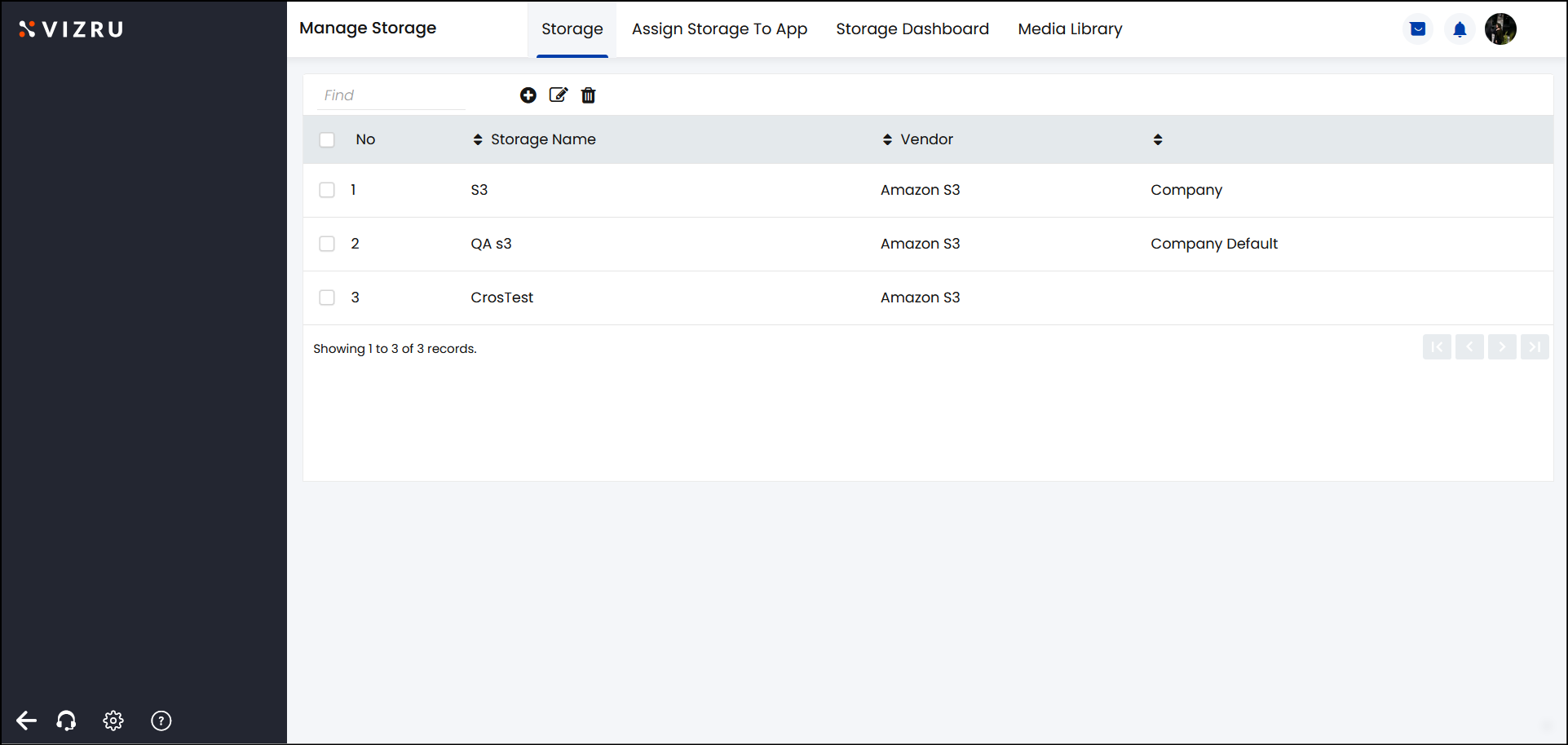
- Click the
icon to add a new storage. The following pop-up window is displayed.
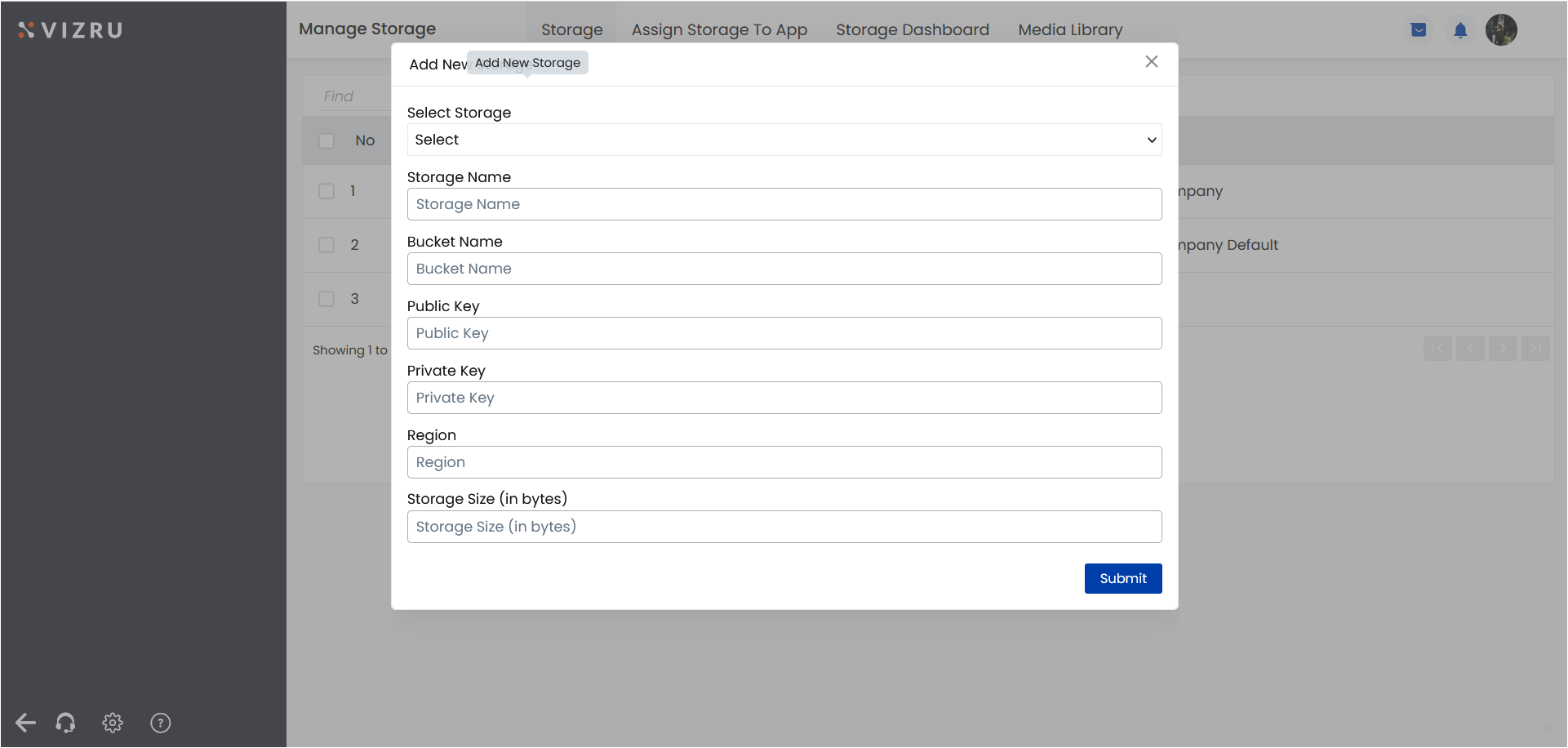
- Enter the fields and click Submit. The new storage is added.
After a storage is added, it will automatically appear on the storage list when creating an app.
- Click the tab Assign Storage To App on the Manage Storage page to change the default storage of an app.
