Category
- Building Smart Apps
Creating an App
Apps are stored in app containers. App containers are workspaces where users can build AI-based web, chat, or workflow applications. Each app container is an independently manageable, self-sufficient environment where a full-stack application can be quickly developed and deployed. It helps you define boundaries around your app such as access policies, storage choice, security, personalized themes, localization, and more. For example, you can configure it to be an internal app, external app, commercial apps, or just as a business process.
- Log in to the tenant you have created in Vizru.
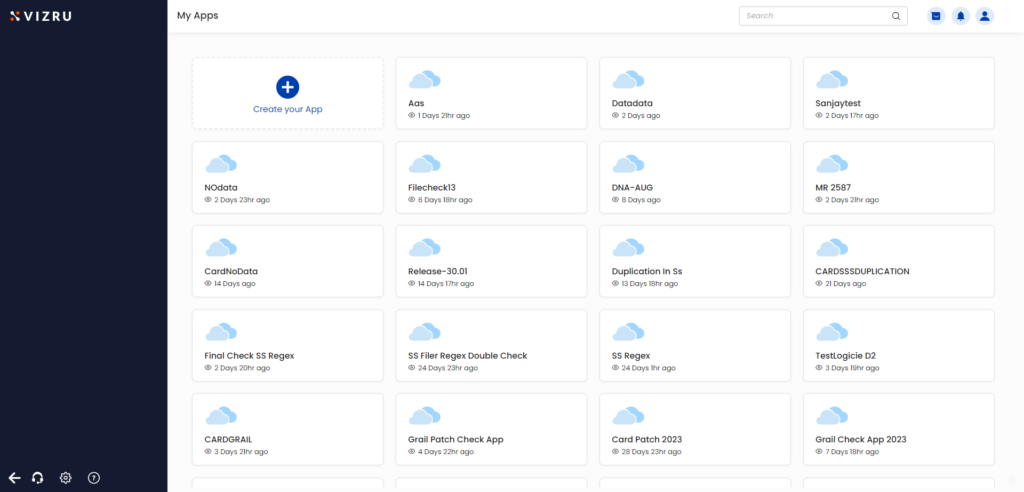
- Click the “+” icon to create a new app.

- You can download existing apps and customize them, or build an entirely new app.
- To build a new app, click Build new App. The following page is displayed.
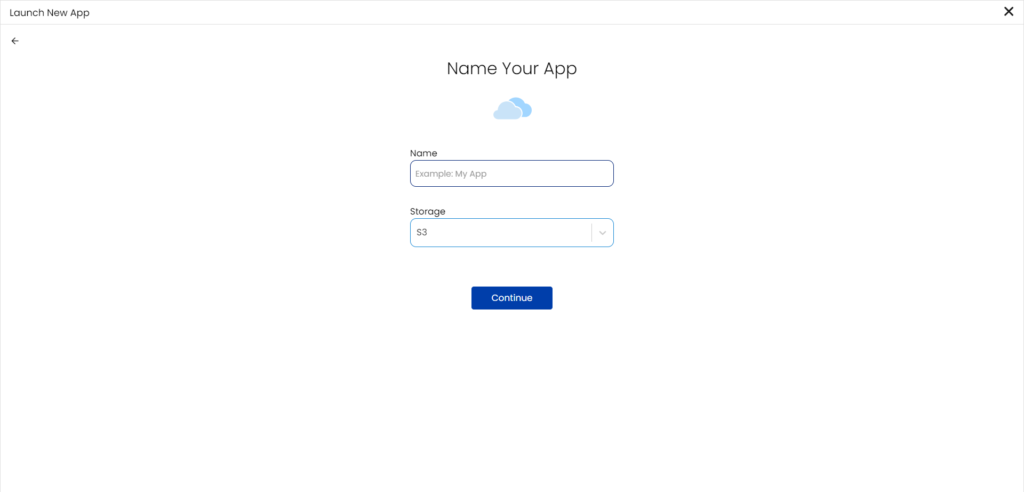
- Enter a suitable name for the app, select a storage, and click Continue. Your app is created.
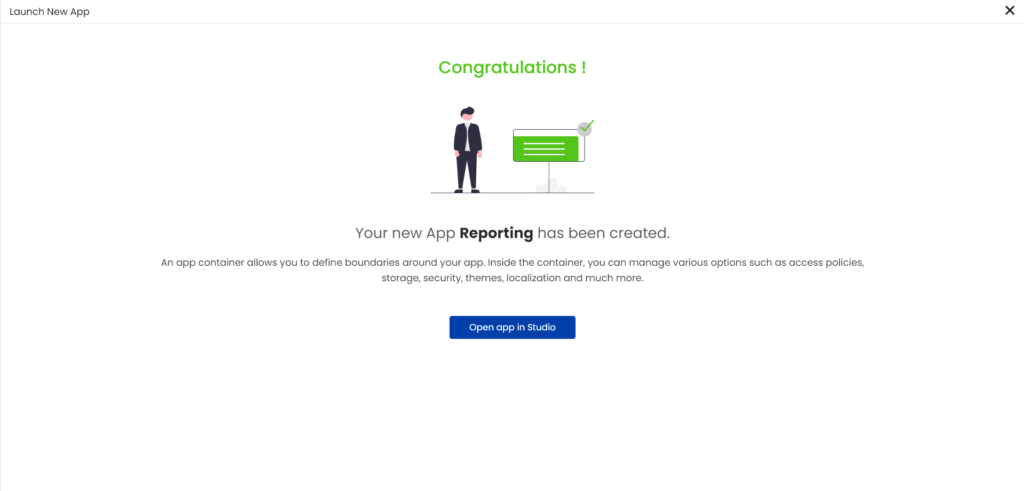
- Click Open app in Studio to build dashboards and workflows for your app.

You can download and install a Vizru app, and start using it right away. If you want to clone an app to extend and customize it, you have the option to import the app as a framework. The app framework will have all the dashboards and dashboard elements of the app duplicated. You can use the existing features or build new features and publish it as an entirely new app.
