Category
- Styles, themes and colors
Global CSS management
You can add custom styles and scripts to any element globally, that is, for all the apps in a specific tenant. Here is how.
- Create a spreadsheet and enter the class name, style, or script in different columns of the spreadsheet.
- Go to Settings and click Configure Policies. The following page is displayed.
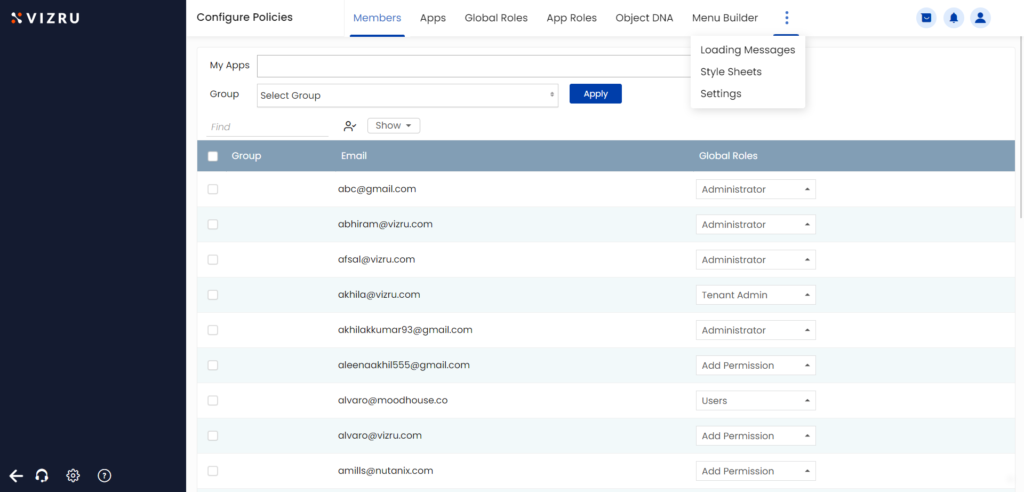
- Select Style Sheets. The following page is displayed.
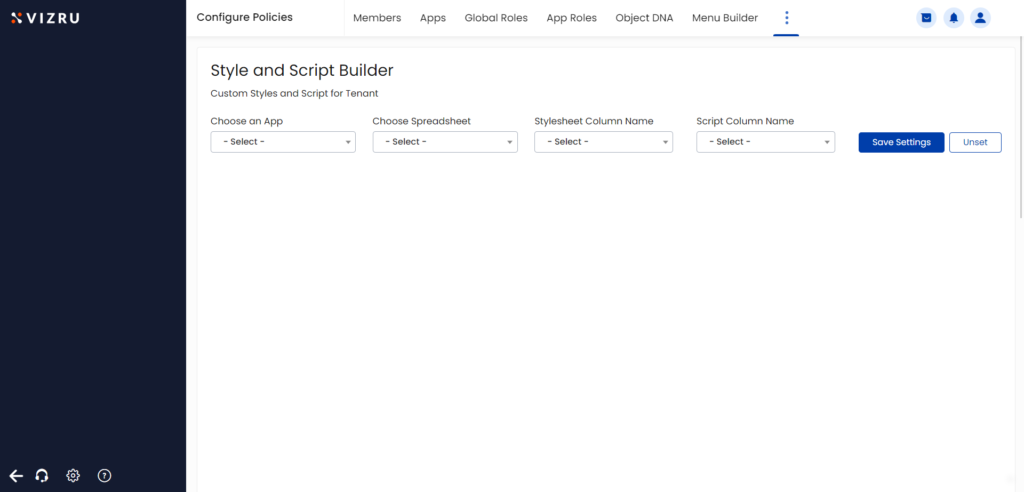
- Choose the app that has the spreadsheet, choose the spreadsheet, and choose the spreadsheet columns that have the style and script added.
- Click Save Settings. The change of style will be displayed for all the elements that share a common class.