Category
- Styles, themes and colors
Script editor
You can add JavaScript codes for additional customization such as button-click alerts, responsive dashboards, and more within an app.
- Log in to the tenant you have created in Vizru. The My Apps page is displayed listing the available apps.
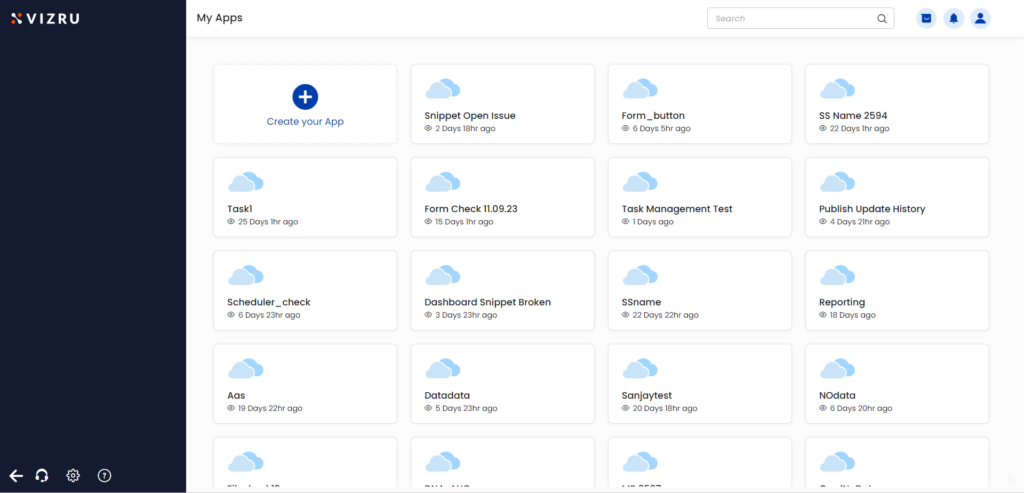
- Hover your mouse over the app to which you want to add the script to find the App Settings icon.
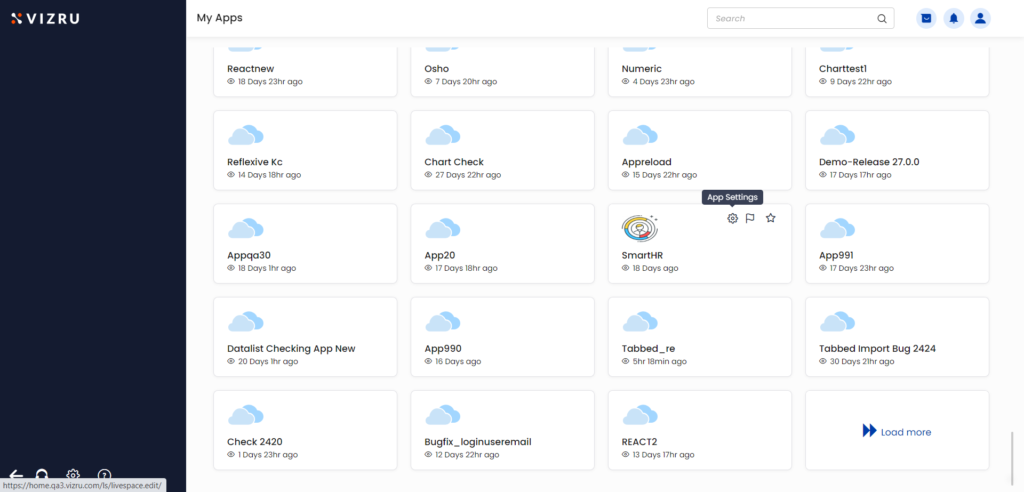
- Click the App Settings icon. The Edit app page is displayed.
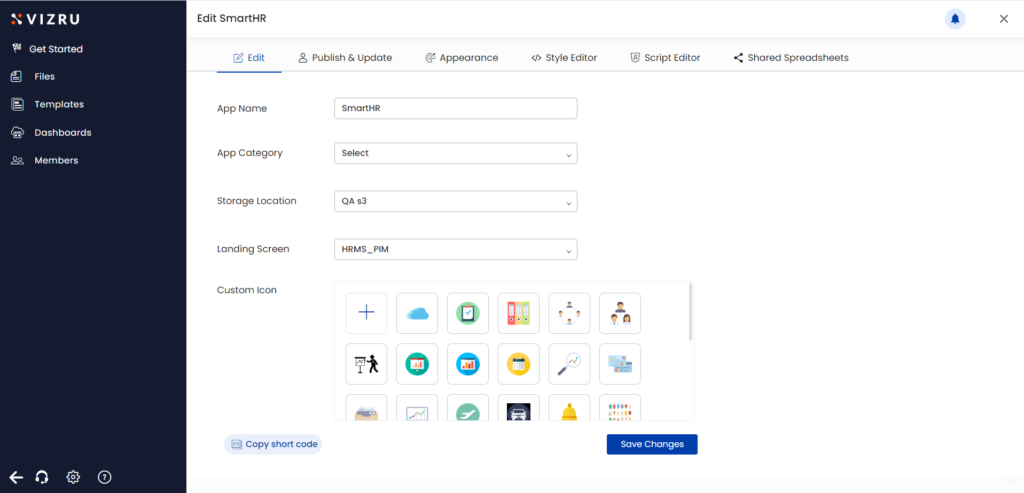
- Click the tab Script Editor and enter the JavaScript codes.
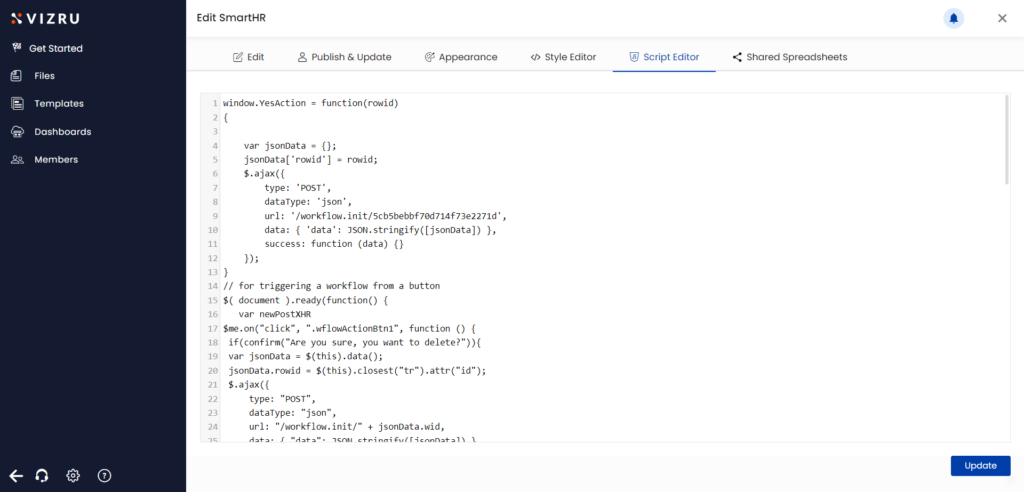
- Click Update.
App script editor lock
At a time, only one user can use the Script Editor for an app from App Settings. When a second user opens the Script Editor for the same app, a warning message is displayed that the first user is using the Script Editor.
.PNG)