Category
- Onboarding onto ZEOS Platform
How to Get Started
Get started by creating a new tenant in Vizru.
- Visit www.vizru.com. Click Get Started.

- Click Sign up.

- Enter your work email and click Next.
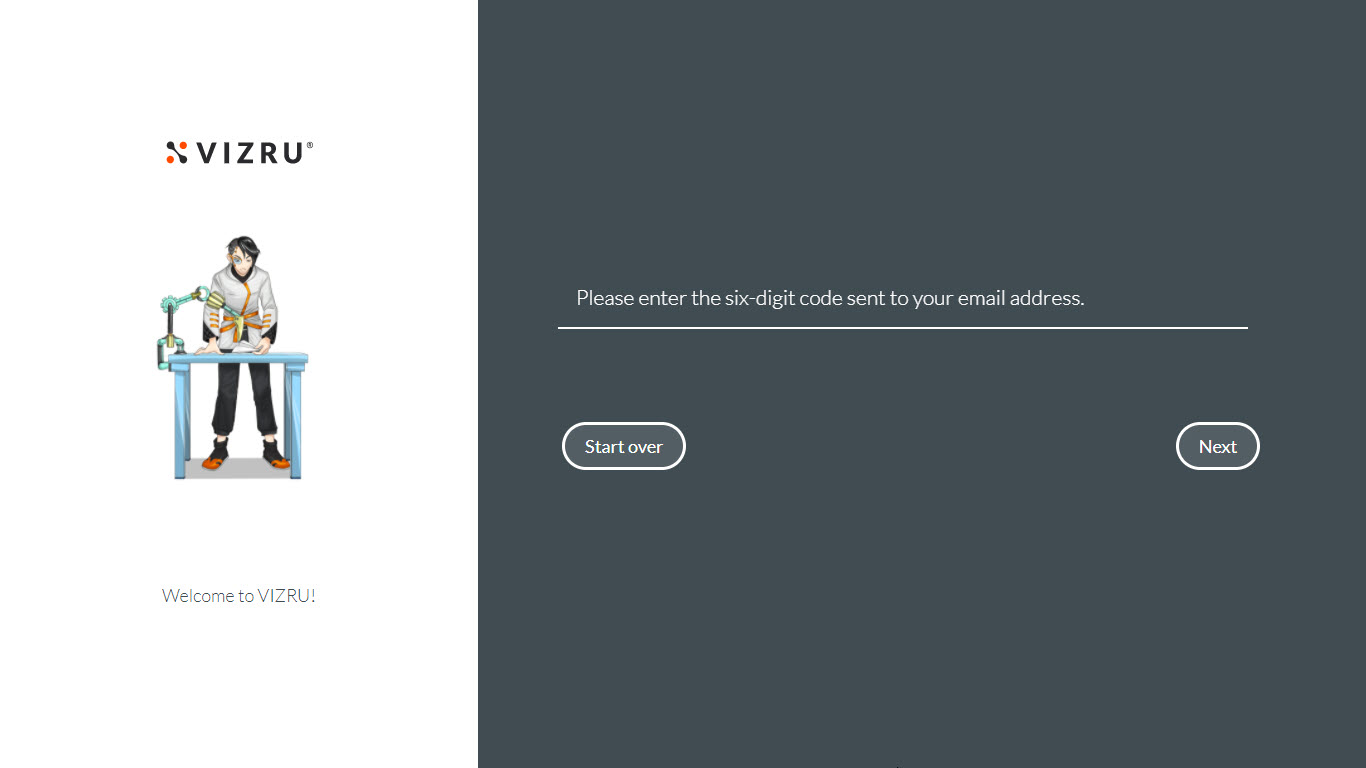
A 6-digit OTP will be sent to the entered email id for validation.
- Enter the OTP and click Next.
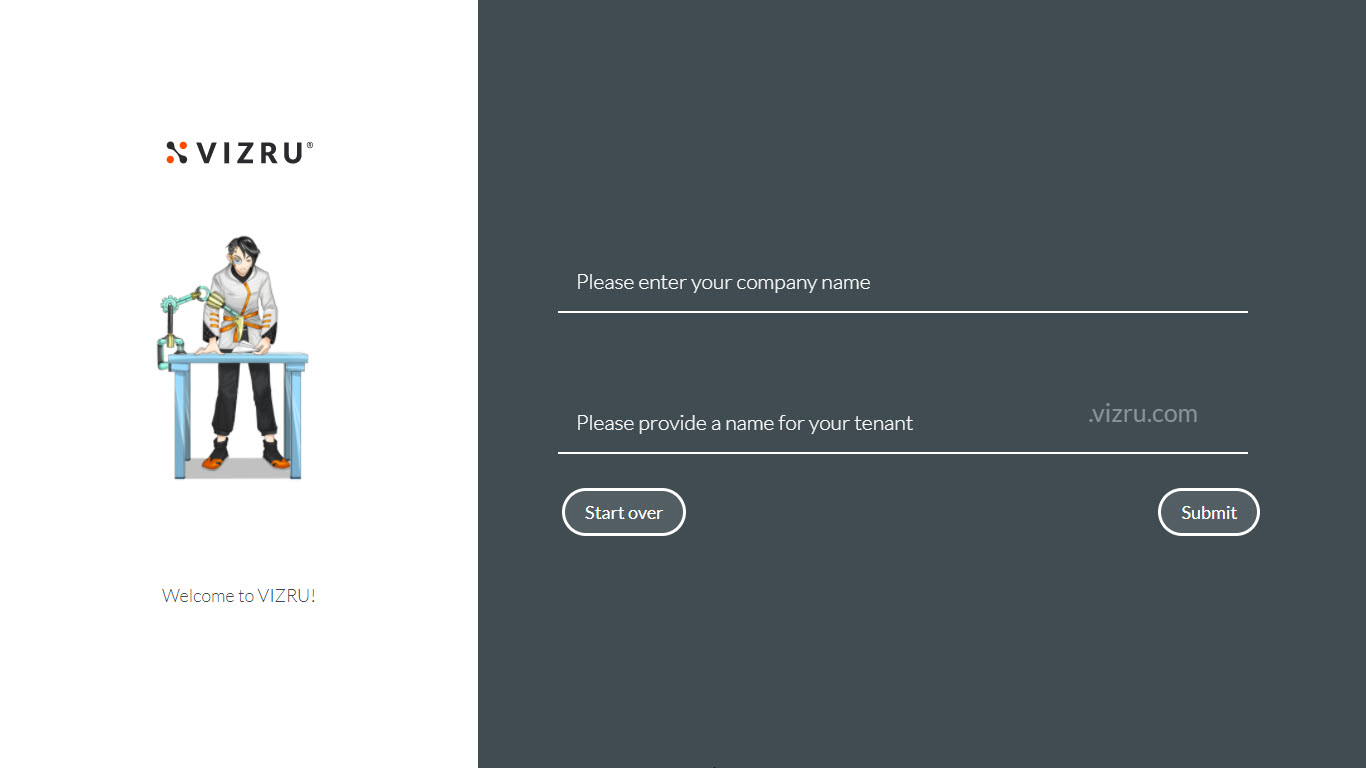
- Enter company name and domain name.
- Click Submit.
Your tenant will be created successfully and you will receive an email with the link to reset your password and activate your account.