Category
- Onboarding onto ZEOS Platform
Inviting Users to the Platform
On logging in to a tenant created in Vizru, you are assigned the role of tenant admin by default. You can now add new users to the platform, build apps, import apps, and share apps.
Inviting a Single User
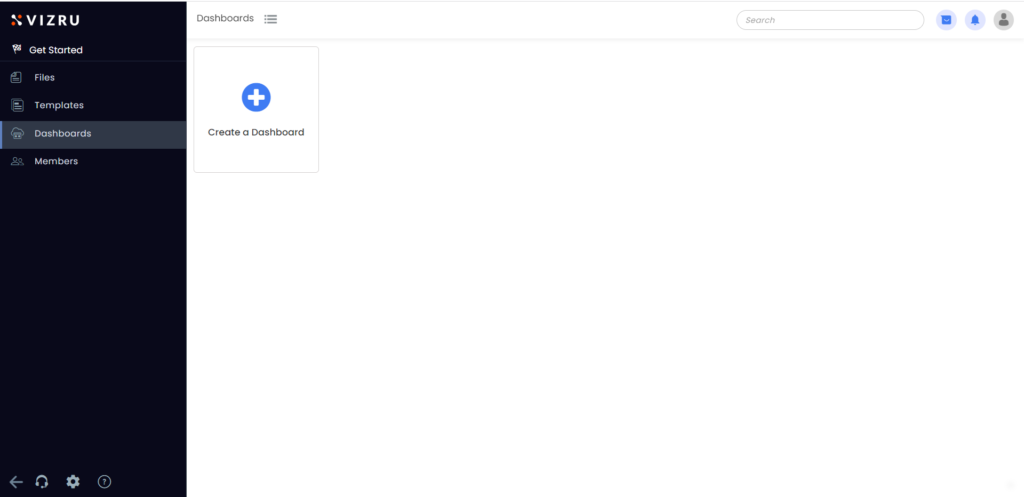
- Log in to the tenant you have created in Vizru. The following page is displayed.
- Click the profile icon at the top right corner to manage your profile.
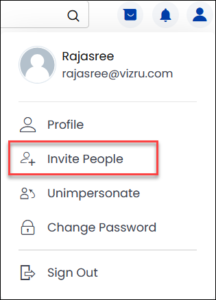
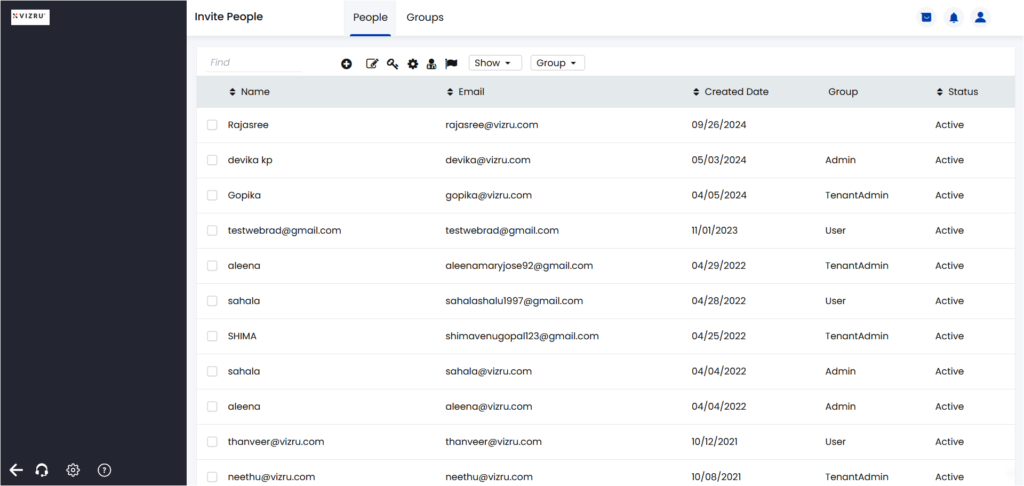
- Click Invite People to add a new user or a group of users to the platform.
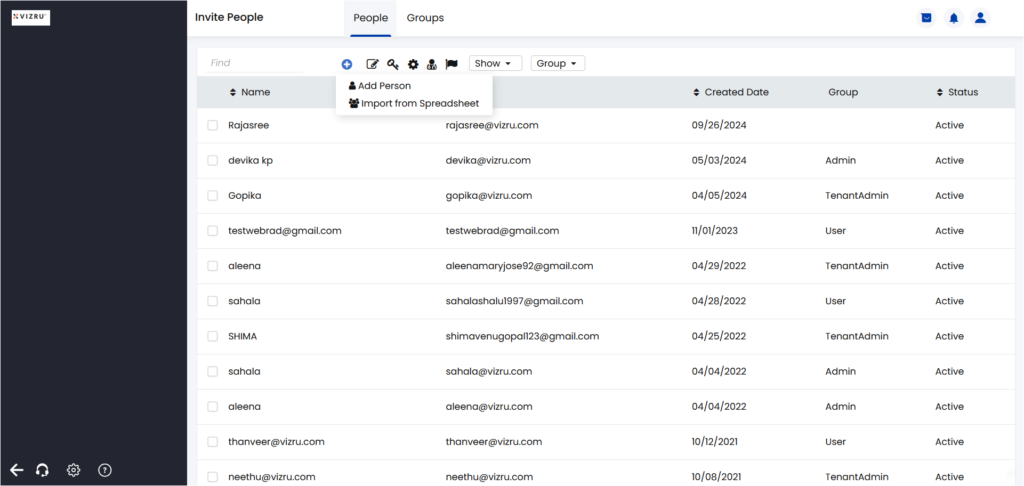
- Click the
 icon and choose Add Person to add the new user.
- The following pop-up is displayed.

- Enter the fields Name, Email, Group to which the new user has to be added, and the Apps the user should have access to.
- Click Advanced Settings to assign user roles specific to the tenant or specific to an app.
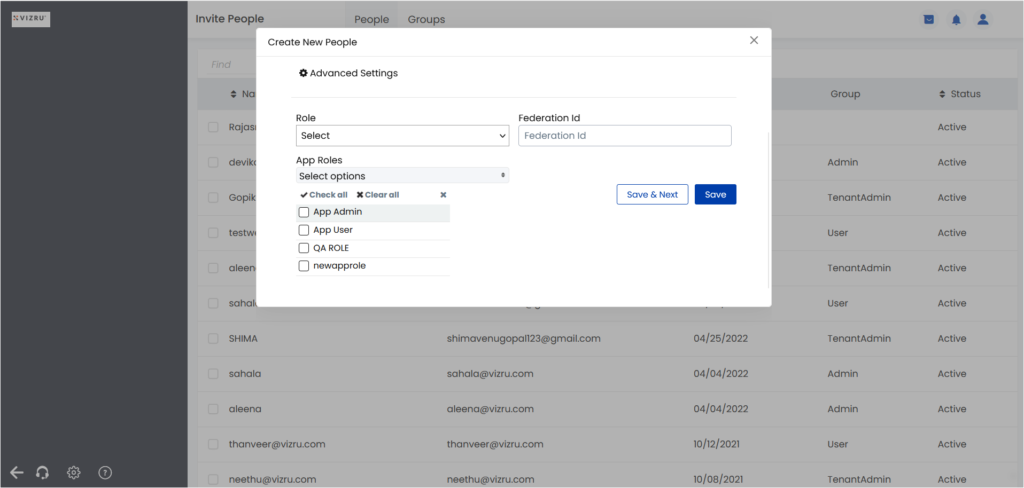
- Tenant-specific roles or global roles: include admin functions such as managing storage, creating new apps, cloning apps, inviting users, or managing users
- App roles: include all the functions specific to an app the user has access to, such as editing an app, deleting an app, uploading files, or managing members
- Click Save. The new user gets added to the platform.
Creating User Groups
- On the Invite People page, click the tab Groups. The following page is displayed.
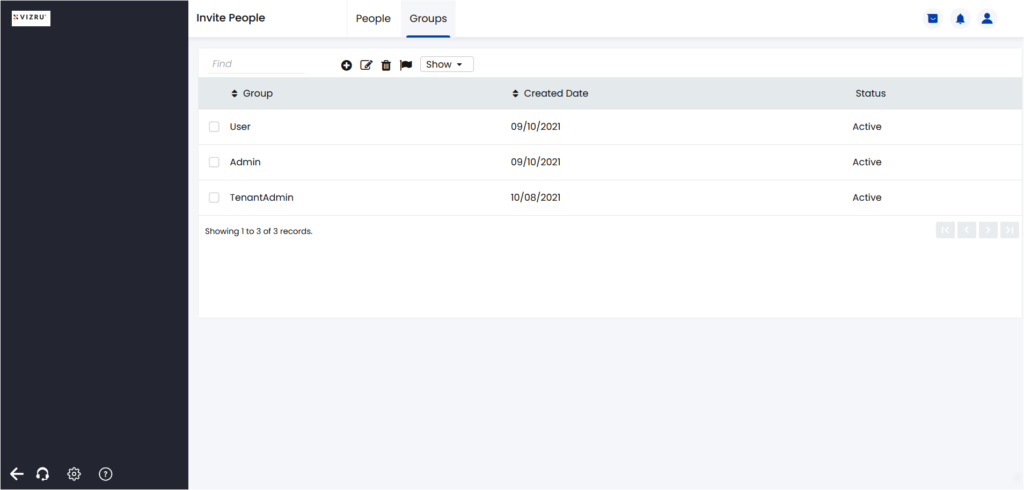
- Click the icon to add a new group. The following pop-up window is displayed.
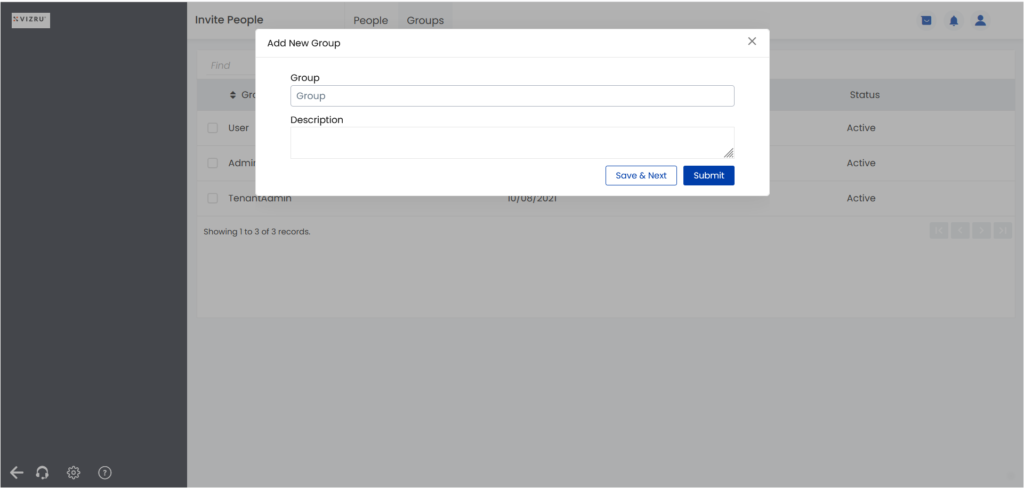
- Enter a suitable name for the group and description. Click Submit.
- The new group gets added.