Category
- Onboarding onto ZEOS Platform
Sign-in, Invitation Emails, and More
On successfully creating a tenant in Vizru, you will receive an email with the link to reset your password and activate your account.
- Go to the indicated URL.
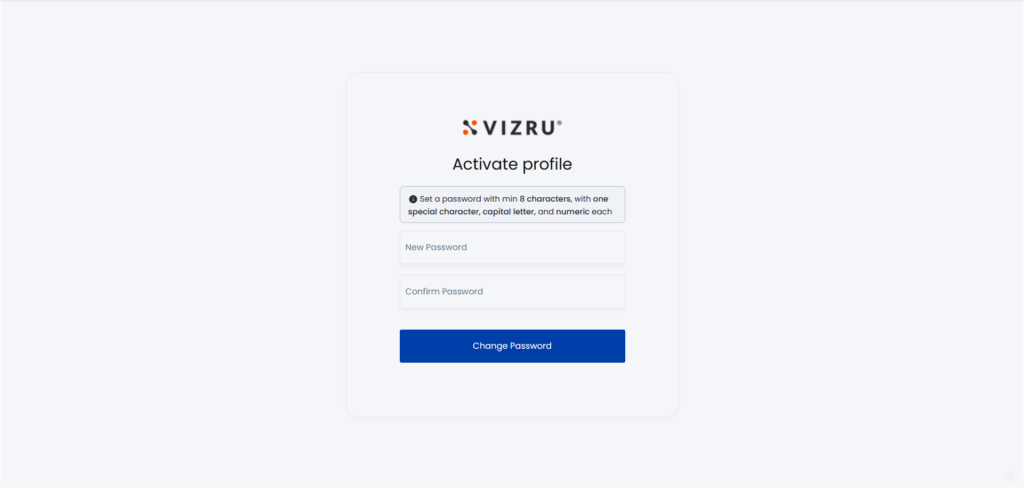
- Enter the new password. Click Change Password. The password is saved.
- On the next sign-in, enter username (email id) and password.
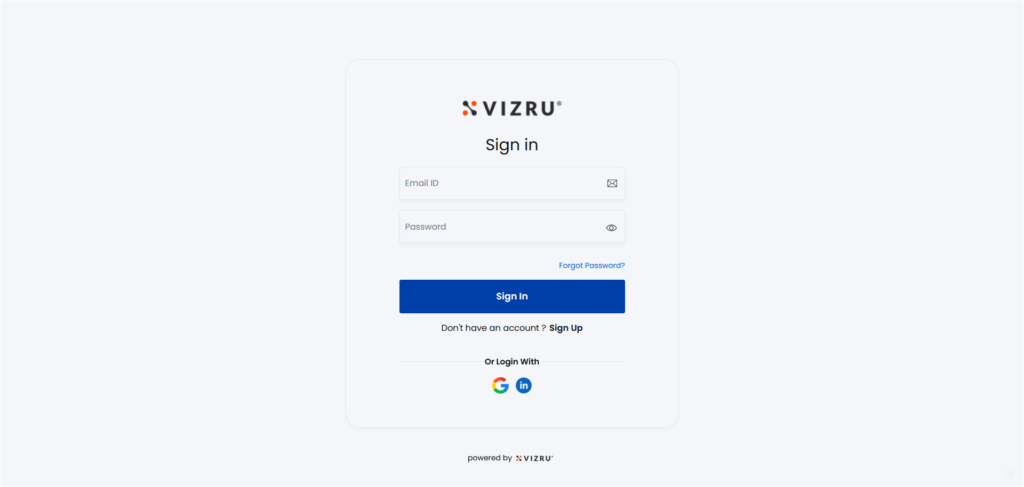
- Click Sign In.
Note: Vizru strictly conforms to enterprise standards of login and password policies. When you click on the forgot password link, you will get an email with instructions and a link to reset the password.
On logging in to the new tenant created in Vizru, you are assigned the role of tenant admin by default. You get access to the ZEOS Control Panel that helps you manage all the activities in ZEOS. You can add new users to the platform, build apps, import apps, share apps, and do much more.