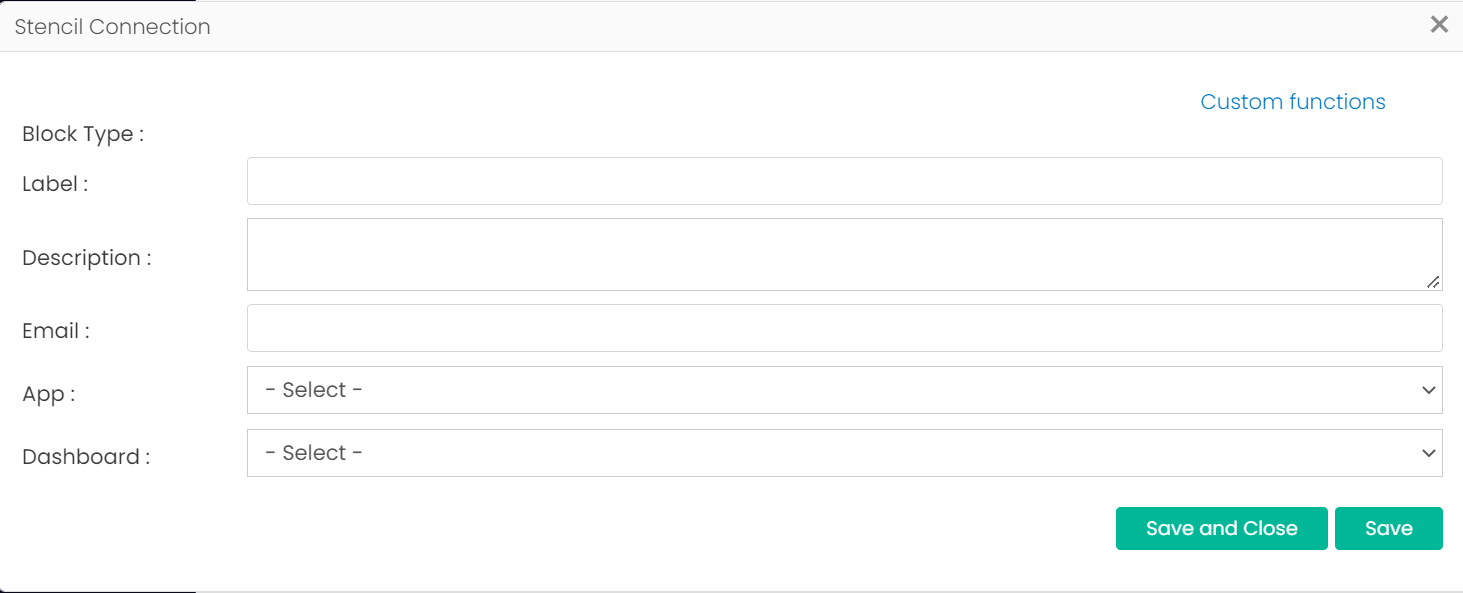
Category
- Working with Workflows
User Management Blocks
User Management blocks are a set of workflow blocks used to manage users and user permissions within a particular tenant, using workflows.
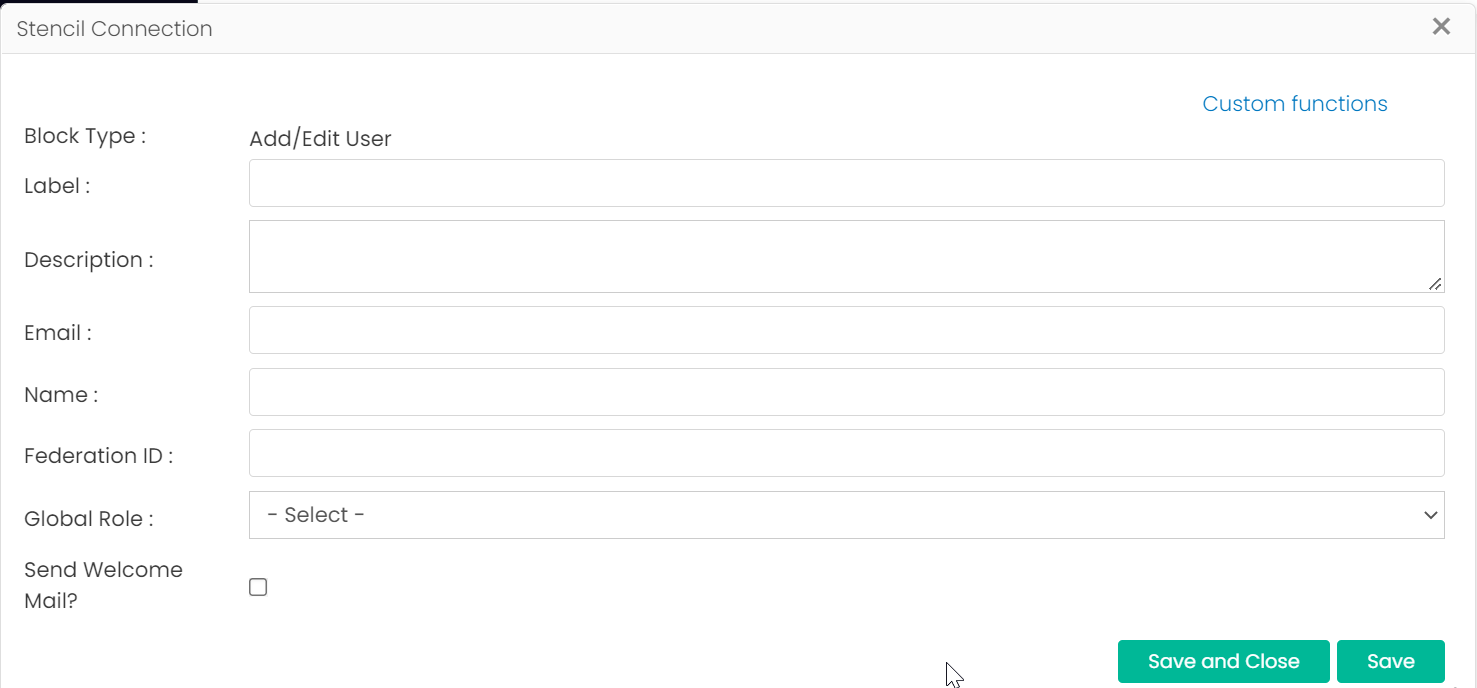
Add/Edit User
This block is used to add a new user or edit the details and roles of an existing user in a particular tenant.
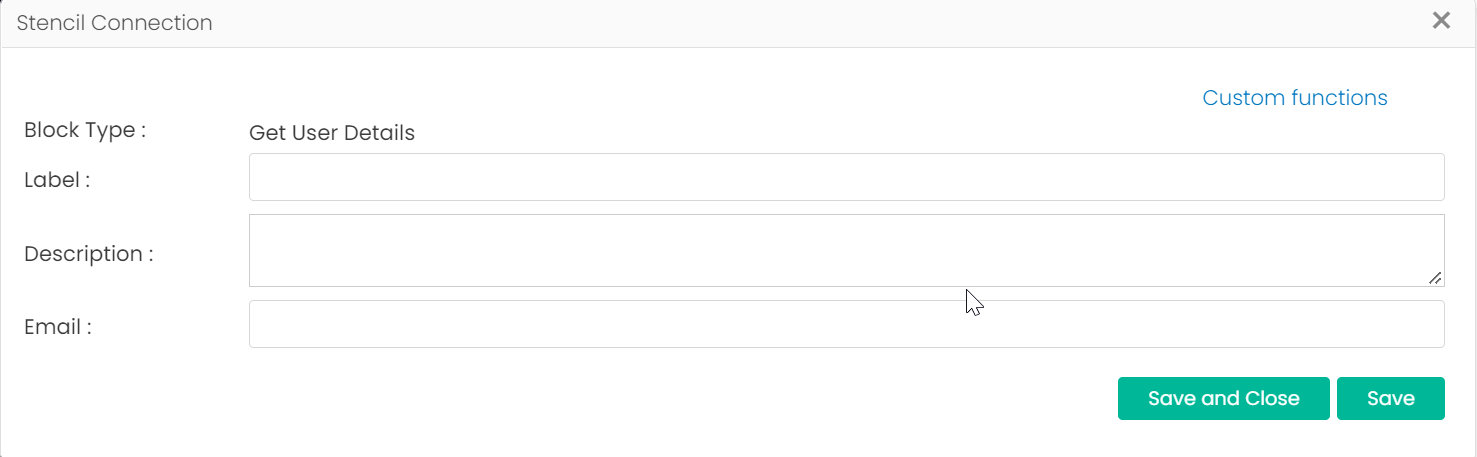
Get User Details
Add the email ID of a user to this block to get the roles, ID, and any other details of the user in the corresponding tenant.
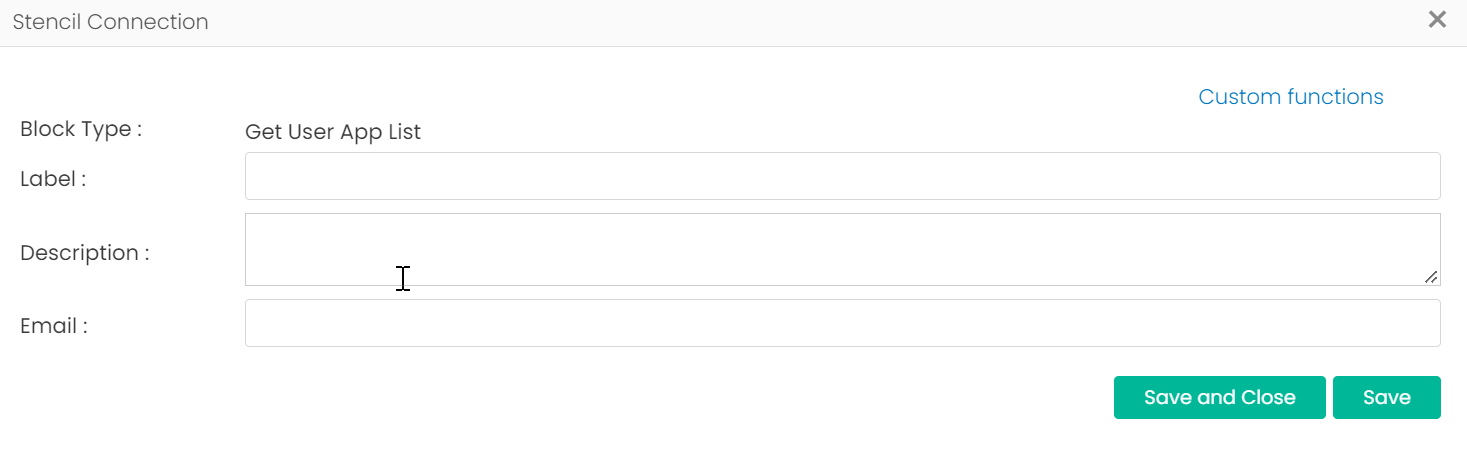
Get User App List
Add the email ID of a user to this block to get the details of apps the user has access to.
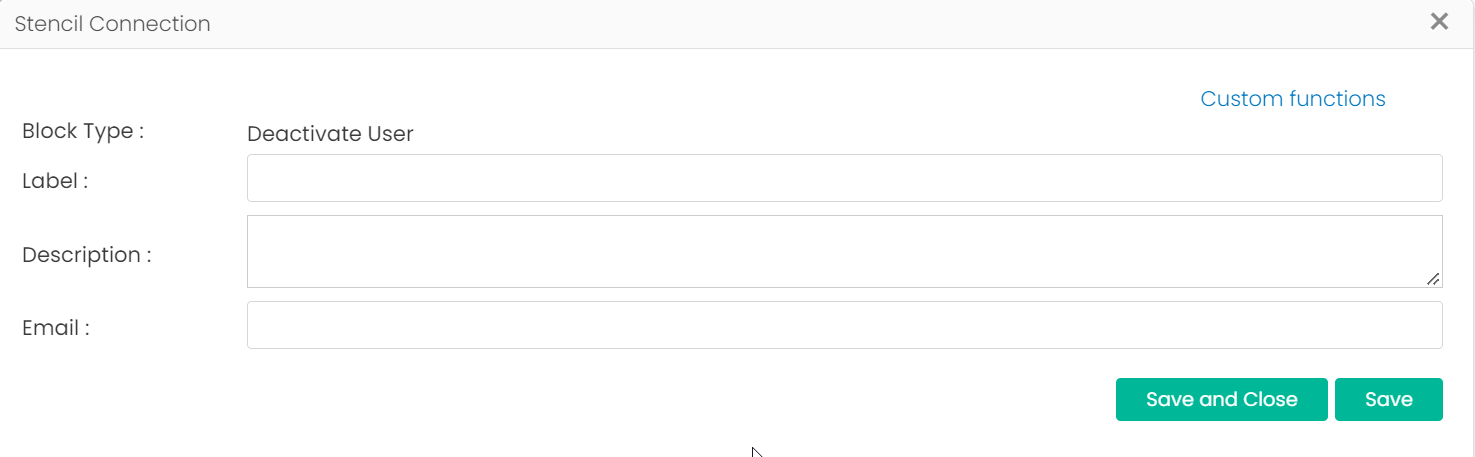
Deactivate User
Add the email ID of a user to this block to deactivate the user from the corresponding tenant.
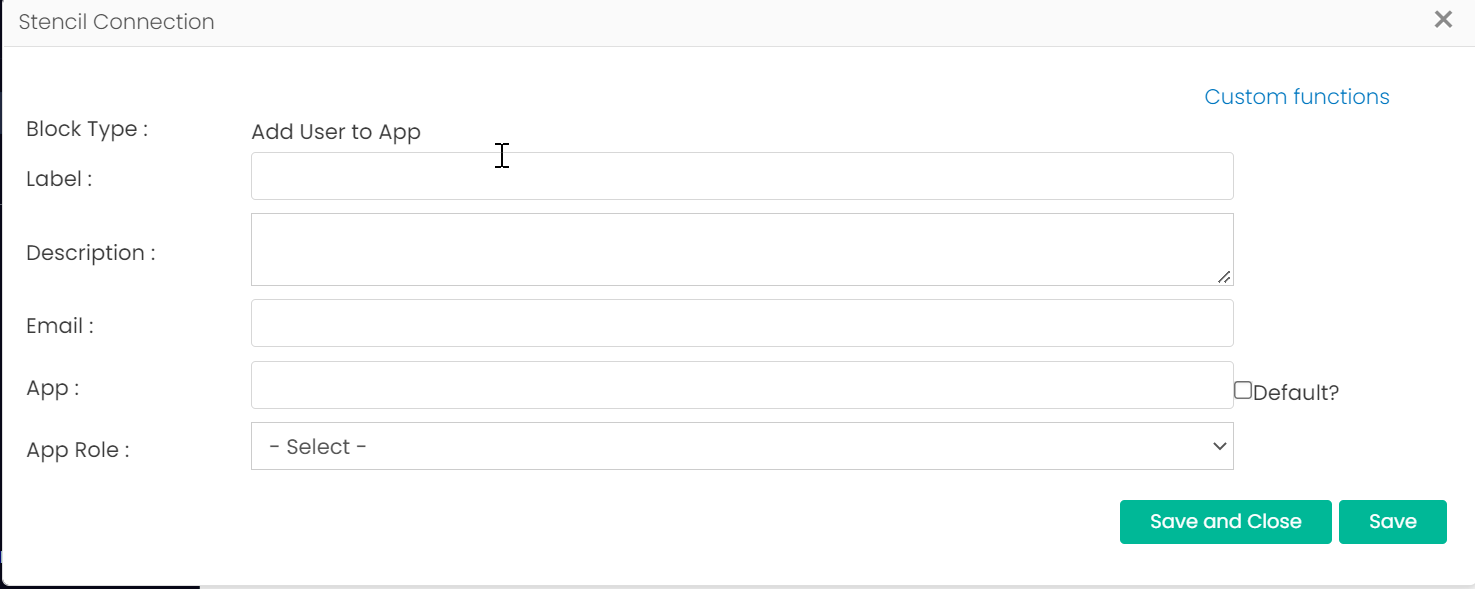
Add User to App
You can add a new user to an app. For this, add the email ID of the user to this block and select the App and App Role you want to assign.
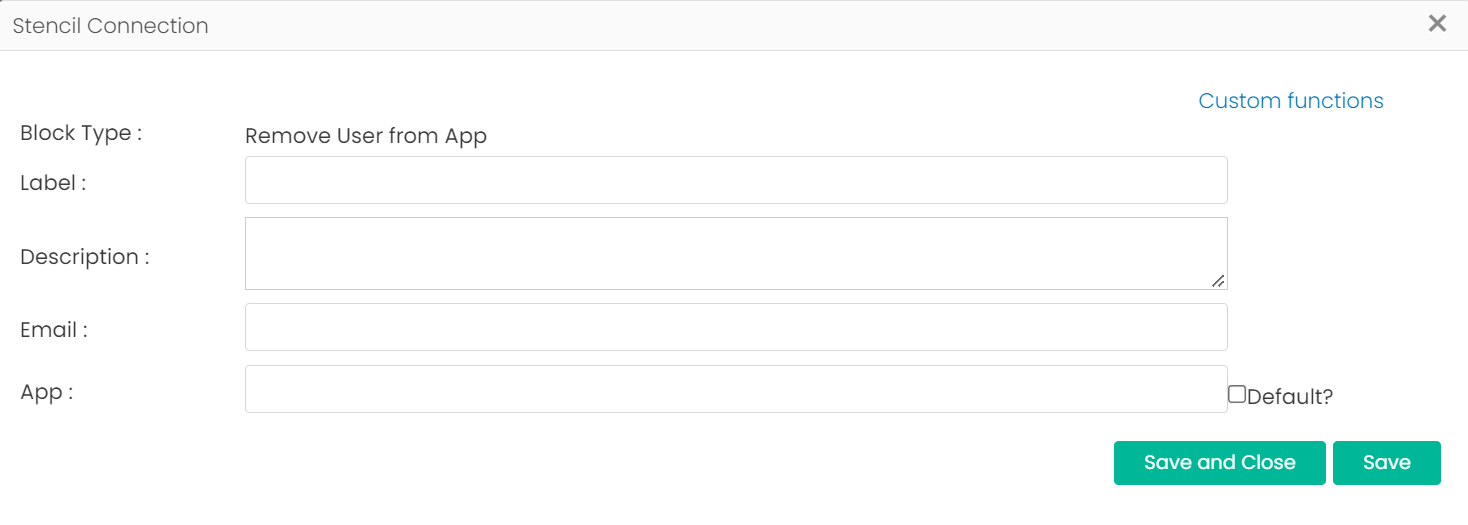
Remove User from App
Add the email ID of a user to this block and select the app to remove the user from the app.
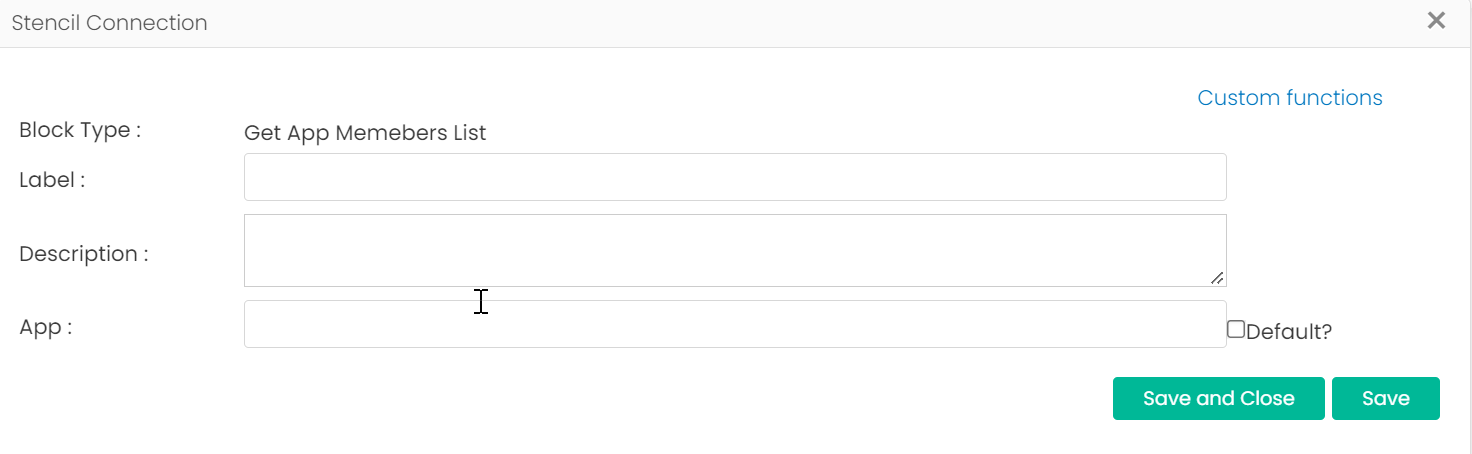
Get App Member List
Select an app from this block to get the list of members in the app.
Set User Landing Page
Add the email ID of a user to this block and select the app and the required dashboard to set as the user’s landing page.